Procreate Color Change Brushes: A Dynamic Tool for Digital Artists
There is a specific kind of magic that happens when you draw a single stroke and watch it transform into a gradient or a full spectrum of color. In the world of digital art, where tools are often designed for precision and static results, the Procreate Color Change Brushes offer a refreshing shift toward organic, spontaneous creativity. This isn't just another set of standard strokes; it is a pack of 10 distinct brushes engineered to shift color dynamically as you draw. For anyone working in illustration, lettering, or digital design, this pack provides an immediate way to add depth and vibrancy to your work without manually blending colors on the canvas.
The Personality of Dynamic Color
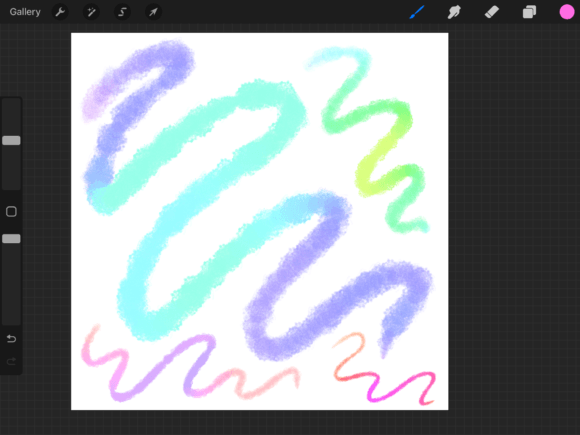
Unlike traditional premium font files or static vector shapes, these brushes possess a living quality. The visual characteristic of the Procreate Color Change Brushes is fluidity. When applied, the ink transitions through a rainbow spectrum or specific color values based on the pressure and movement of your Apple Pencil. This creates a style that feels modern, energetic, and playful. It moves away from the rigidity of flat color blocks, offering a personality that is often described as whimsical or celebratory. If your brand identity requires a sense of movement or joy, these strokes can communicate that instantly. They bridge the gap between handwritten font styles and abstract illustration, allowing you to create assets that feel hand-crafted yet digitally polished.
Where These Brushes Shine: From Branding to Scrapbooking
Understanding where to deploy these tools is key to maximizing their value. Because the Procreate Color Change Brushes are so visually distinct, they excel in specific areas of the creative industry.
For graphic designers and brand strategists, these brushes are excellent for creating unique social media graphics. In a feed dominated by static images and standard sans serif font layouts, a piece of digital art that features a color-shifting headline or accent can stop the scroll. They are particularly effective for seasonal campaigns, product launches for younger demographics, or brands that position themselves as creative and avant-garde.
In the realm of publishing and editorial design, these brushes serve as perfect spot illustrations or decorative borders. While they might not replace a traditional serif font for body text, they can highlight pull quotes or chapter titles in digital magazines, adding a layer of visual hierarchy that guides the reader's eye. Similarly, for those involved in digital scrapbooking, these brushes act as stickers and embellishments that add a cohesive, colorful theme to memory-keeping pages.
For entrepreneurs and small business owners, the application is practical: stationery and packaging. Imagine a thank-you card for your customers where the border is drawn with a Procreate Color Change Brush. It transforms a standard piece of correspondence into a memorable piece of packaging design. It signals to the customer that your brand pays attention to detail and values aesthetic experience.
Practical Application and Workflow Integration
While the visual appeal is obvious, practical usage requires a bit of technical understanding. First, it is important to note that these are Procreate specific assets. They do not function in Adobe Illustrator or Photoshop in the same way, nor do they work as intended without the pressure sensitivity of an Apple Pencil. The "color change" mechanism relies on pen input, making it a tool specifically for iPad-based creators.
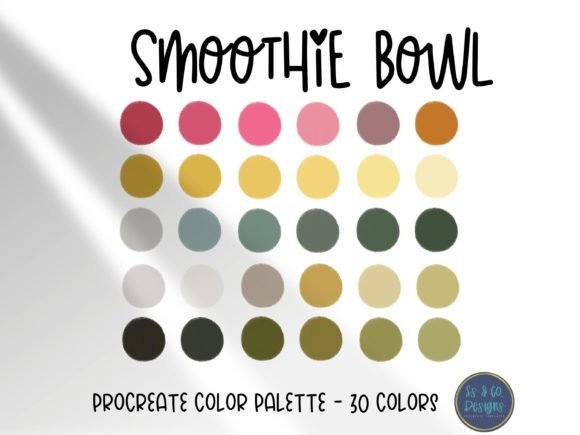
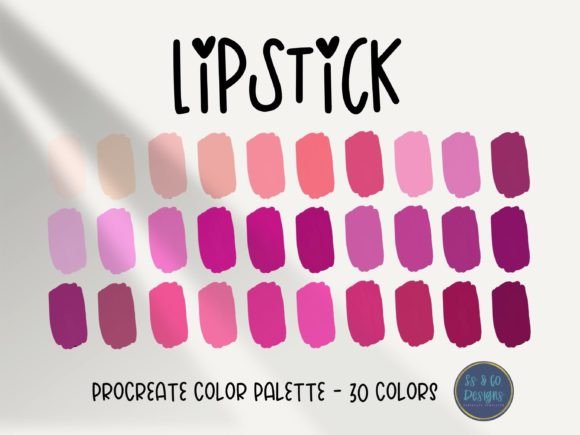
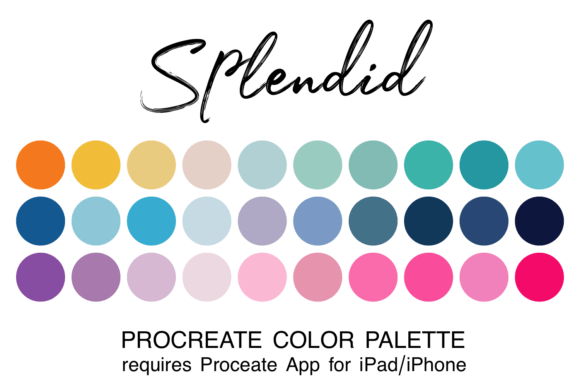
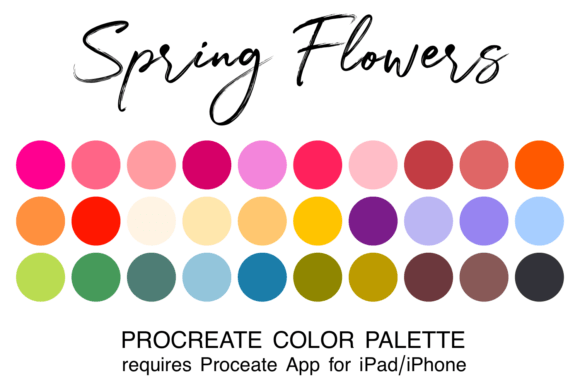
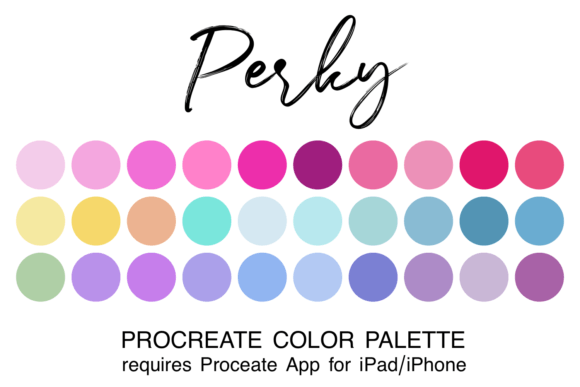
Installation is seamless. Once purchased, the brushes are installed into Procreate via the Files app. This ease of integration is vital for maintaining a smooth creative workflow. You do not want to spend thirty minutes setting up your tools when inspiration strikes. Additionally, the inclusion of 6 free color palettes is a strategic bonus. Color theory can be challenging; having pre-selected palettes ensures that the gradients produced by the brushes remain harmonious rather than muddy. This is a practical consideration for maintaining professionalism in your final output.
Maximizing Impact: Pairing and Testing
To get the most out of the Procreate Color Change Brushes, you need to consider font pairing and composition. Because these brushes produce high-contrast, multicolored strokes, they pair best with clean, neutral typography. If you overlay a complex script font over a busy rainbow background, the result will likely be illegible.
Instead, use these brushes as the background layer or the primary accent. Overlay them with a bold, geometric display font in white or black. This creates a strong visual hierarchy where the texture and color provide the energy, while the typography provides the clarity. For example, a "SALE" graphic might feature a circle painted with a color-changing brush, with the text centered in a clean modern typography style.
When testing these brushes, start with simple shapes. Draw circles and lines to see how the color transition reacts to speed and pressure. Fast strokes usually create long gradients, while slow, heavy strokes might concentrate the color. This testing phase is crucial for understanding the tool's behavior before applying it to a final logo design or client project.
Conclusion: Adding Value to Your Creative Toolkit
In conclusion, the Procreate Color Change Brushes are more than just a novelty; they are a versatile design asset for the modern digital creator. Whether you are a hobbyist looking to make your digital scrapbooking pages pop, or a professional designer seeking to add a unique texture to a client's brand identity, these brushes deliver. They offer a way to break away from static typeface designs and inject movement and life into your work. By combining the included color palettes with your own creative vision, you can elevate your digital illustrations, calligraphy, and marketing materials with a tool that is as fun to use as it is effective.